

Revbell connected so that revenue turns into day-to-day decisions



Revbell: integration for managing dynamic pricing
Revbell is a Revenue Management platform. Connected to Hotelgest, it adjusts your property's prices on its own based on demand.
Revbell looks at your occupancy, pick-up, the market and the competition in real time, and recommends the price for each day. You don't have to recalculate anything by hand.
You stop changing rates channel by channel. The connection is two-way: the price is applied and reaches all your channels instantly, in high season just as when demand drops.
It fits independent and boutique hotels, tourist apartments, campgrounds, tourist residences and any property that wants to organize its pricing strategy.
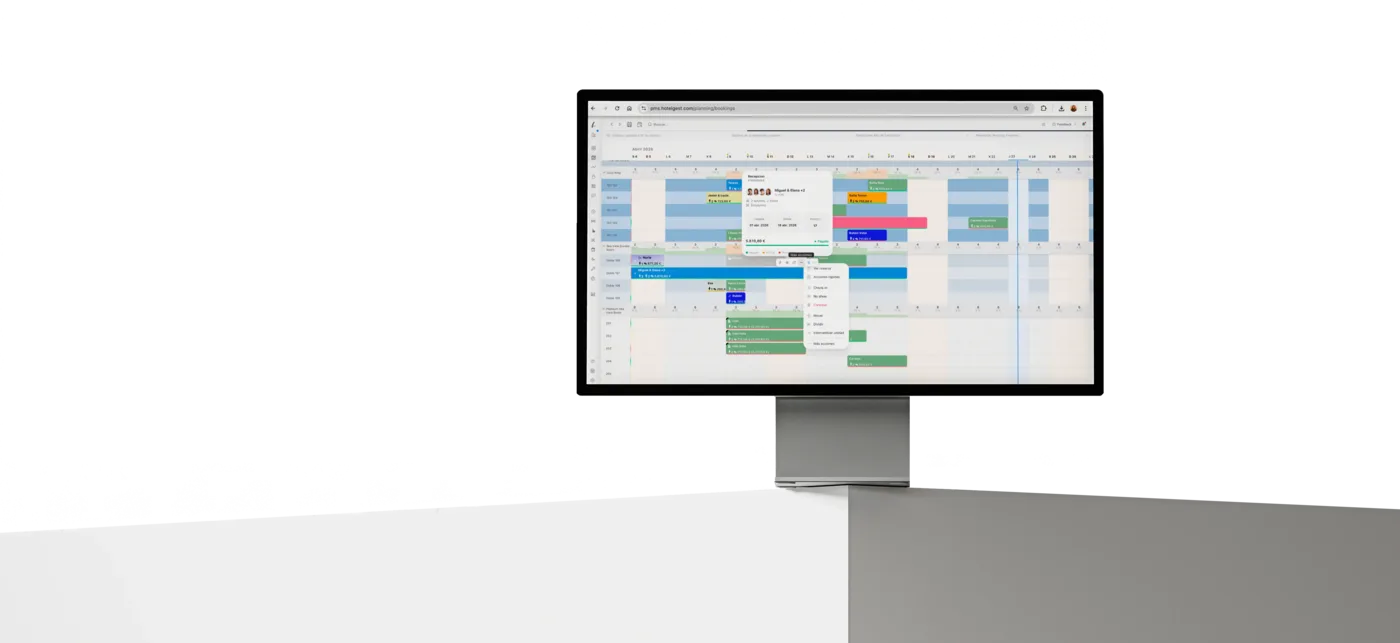
What you can do with Revbell connected
Receive a recommended price by date and room type. Revbell analyzes occupancy, pick-up and the market, and proposes the price for each day. You approve it in Hotelgest rates before publishing — or let it apply on its own.
Feed the RMS without exporting anything. Hotelgest sends Revbell the reservations, availability and history it needs to forecast. No files or manual uploads.
Take the price to the OTAs. The price applied in Hotelgest travels to your channels through your channel manager. One revenue decision, published everywhere.
Start with control. Try the recommendations in a low-demand period, review the result in rates and planning, and expand once you're convinced.
How to connect this integration
1. From your Hotelgest panel, go to Store → Revenue → Revbell and click Set up.
2. Enter your Revbell API key, available in your account at app.revbell.com → Settings → API.
3. Select the properties you want to sync: rates, availability, segmentation and channels.
4. Enable two-way sync so that the prices recommended by Revbell are applied automatically.
5. In under five minutes your PMS and your RMS will be fully synchronized.
Get support
Need help setting up the integration?
The Revbell team offers direct guidance throughout the entire onboarding process. You can contact their technical support at support@revbell.com or through the chat available on revbell.com.
For questions related to your Hotelgest account, visit our help center or write directly to your account manager. The integration requires an active plan on both platforms.
Revbell supports multi-property and multi-PMS setups. For any connection incident, check the status page at status.revbell.com. For custom setups, the Revbell team offers guided setup sessions at no additional cost.
FAQ
Frequently asked questions
Common questions before connecting Revbell with Hotelgest.